Skip to content
LUCA OS

Personal twin

An assistant that knows your life — and asks before it acts.

A personal twin is your own AI. It reads only the apps you connect, remembers what matters to you, and prepares replies and tasks for you. It is for one person and their everyday life. It never sends anything on its own — every action waits for your yes.

Film The features film (3 min 36 s) Shown live in a demo.
The features film (3 min 36 s)

Screen by screen

From sign-in to your first approved draft.

If the film does not play, these six screens show the same path, one step at a time.

Screen Sign in

Step 1

Sign in

You open app.lucatwin.com/enter and see the Sign In box. You type your email address (or the code you were given) and your password, then sign in. There is no new app to install — it runs in your web browser, on a laptop or a phone. Once you are in, your own twin opens.

Step 2

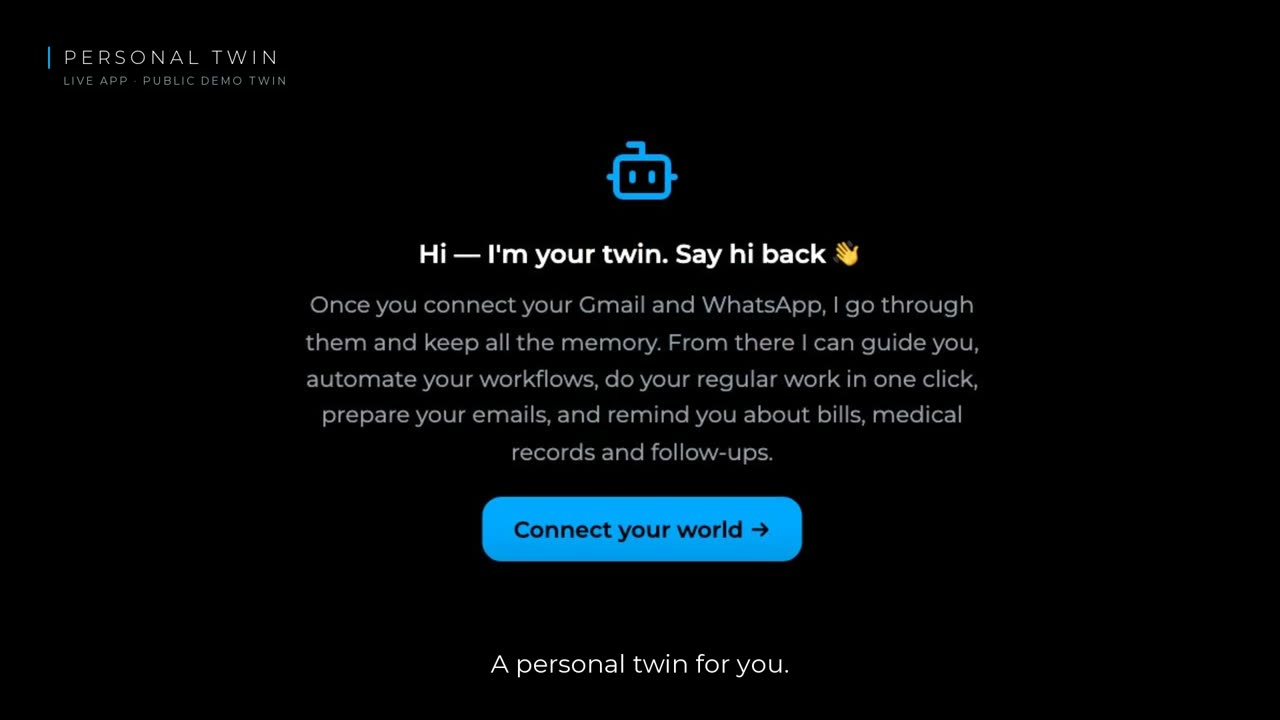
Meet your twin

This is your twin's home. It belongs to you. From here you can connect apps, talk to it, see what it knows, and check its inbox. The next step is to give it something to read.

Step 3

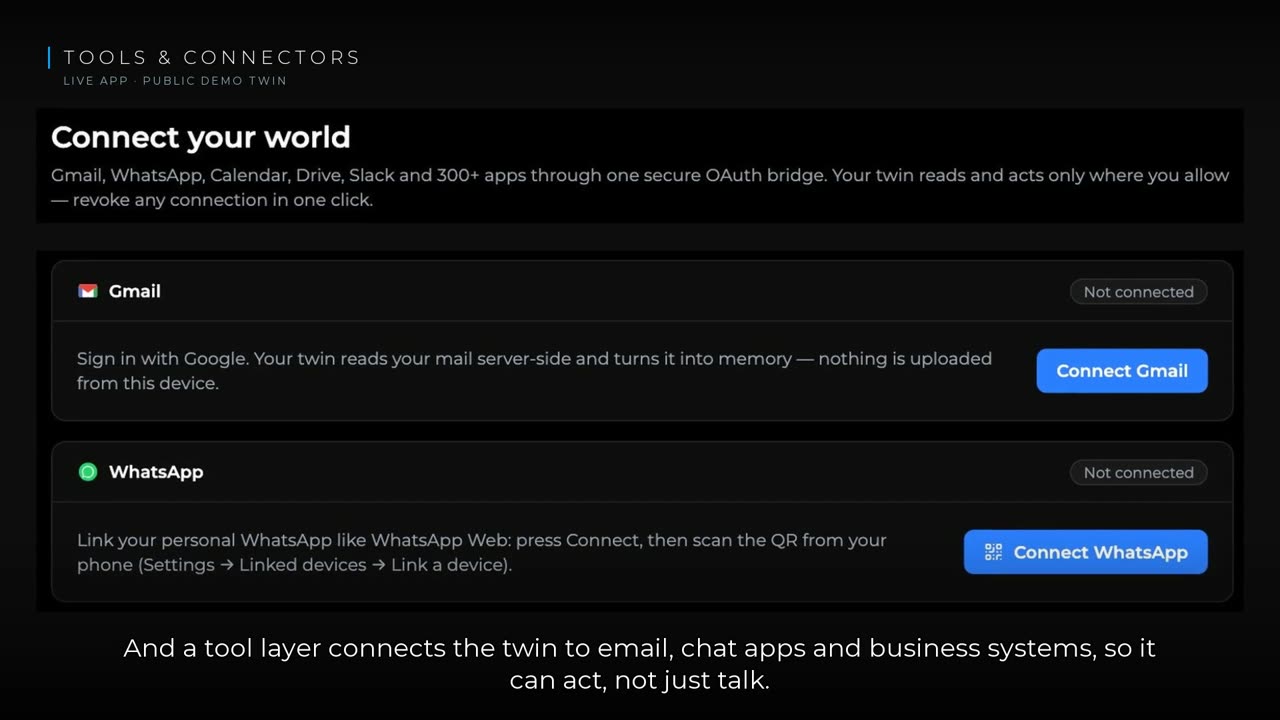
Connect your apps

You see four apps: WhatsApp, Gmail, Google Drive and LinkedIn. Each one shows whether it is connected or not. You press Connect on the ones you want, and approve on that app's own sign-in page. Your twin reads only where you allow. You choose which apps it can see.
Screen Talk to your twin (type or speak)

Step 4

Talk to your twin (type or speak)
You ask your twin a question, the way you would ask a person. You can type it, or open the speak screen and say it out loud. The twin answers from what it knows about you and from the apps you connected. It takes a little time, because it looks things up before it answers.

Step 5

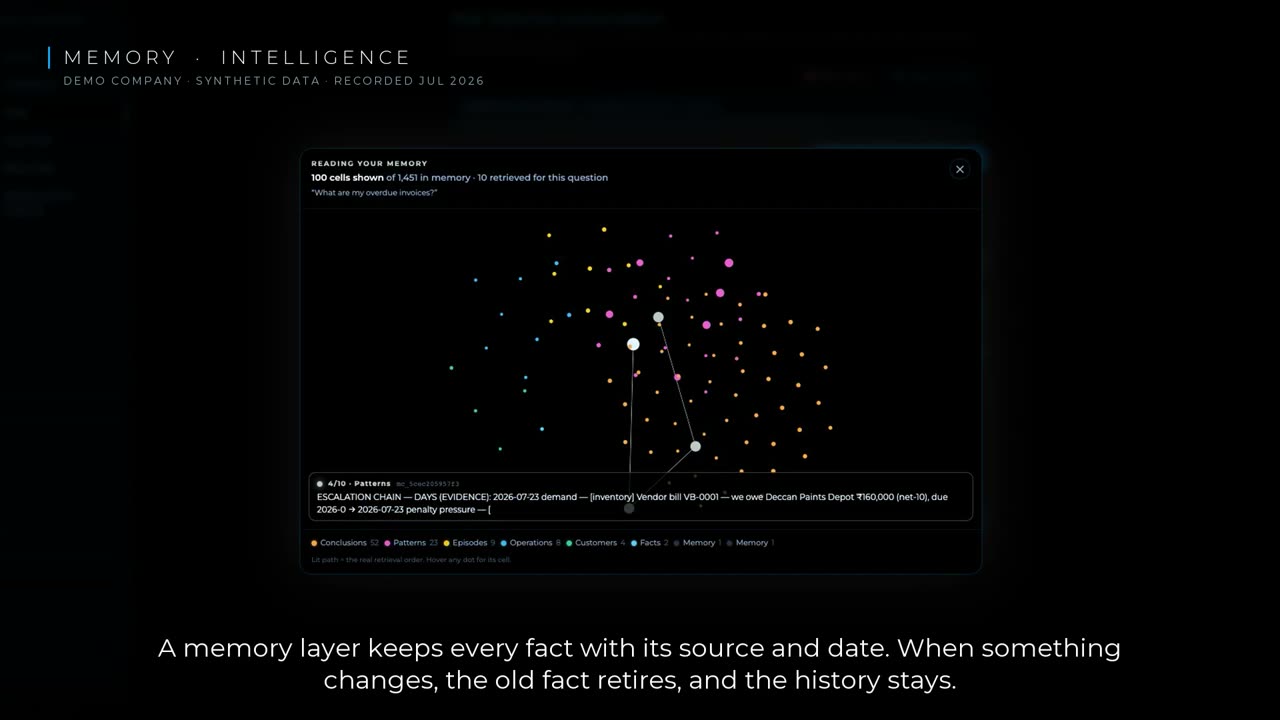
What your twin knows

This screen shows what your twin remembers about you. You can read through it at any time. Because it remembers, you do not have to explain the same thing twice. Nothing is hidden from you — you can always see what it has kept.

Step 6

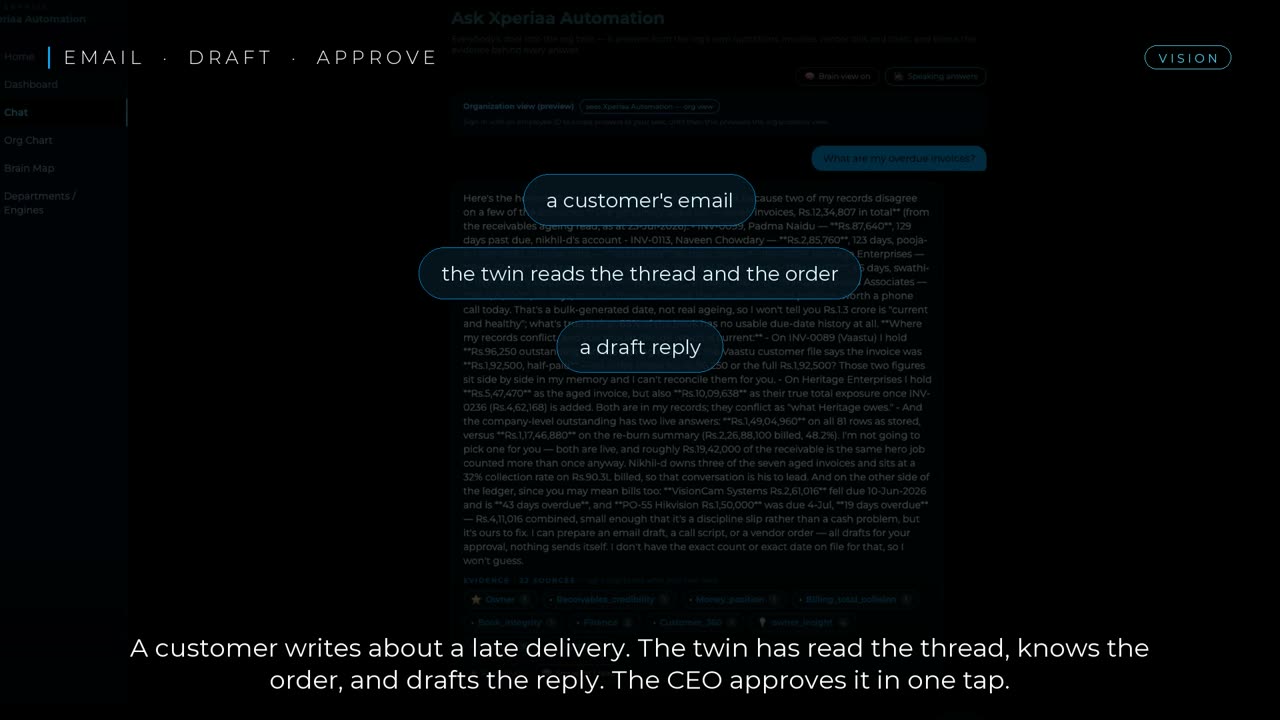
Your twin's inbox (drafts wait for your yes)

When your twin can help — a reply, a reminder, a task — it writes a draft and puts it here. You read the draft and decide: approve it, change it, or say no. Nothing is sent until you approve it. You stay in charge of every action; the twin only does the preparing.

How it connects

One path. You decide at the end.

  1. You

    You sign in and talk to your twin.

  2. Your apps

    WhatsApp · Gmail · Google Drive · LinkedIn — only the ones you connect.

  3. Your twin

    Reads only where you allowed it.

  4. Its memory

    Keeps what matters, so you never repeat yourself.

  5. A draft

    It prepares the reply or the task.

  6. Your yes

    Nothing goes out until you approve it.

  7. Done

    Only then is it sent.

Your privacy

Your twin works for you, and only you.

  • • Your twin reads only the apps you connect — nothing else.
  • • Nothing is sent on your behalf until you approve it.
  • • You can see what your twin remembers about you, at any time.